



How to Find Cosmo Play Games on Pirate777
Finding a Cosmo Play game on Pirate777 is a two-step move: select the Cosmo Play provider chip first, then browse or search within the 33 filtered results. Cosmo Play’s catalogue overlaps with similarly-named titles from other providers — “Fortune” alone returns hits from Jili, PG Soft and Pragmatic Play alongside Cosmo Play’s Mahjong Fortune trilogy — so the provider-chip filter is the reliable starting point.
This guide walks through the navigation step by step: from the logged-in home, through the chip filter, into demo mode, and across the language switcher. For the broader Cosmo Play provider context, see the parent Complete Cosmo Play Guide.
Step 1: From the Logged-In Home
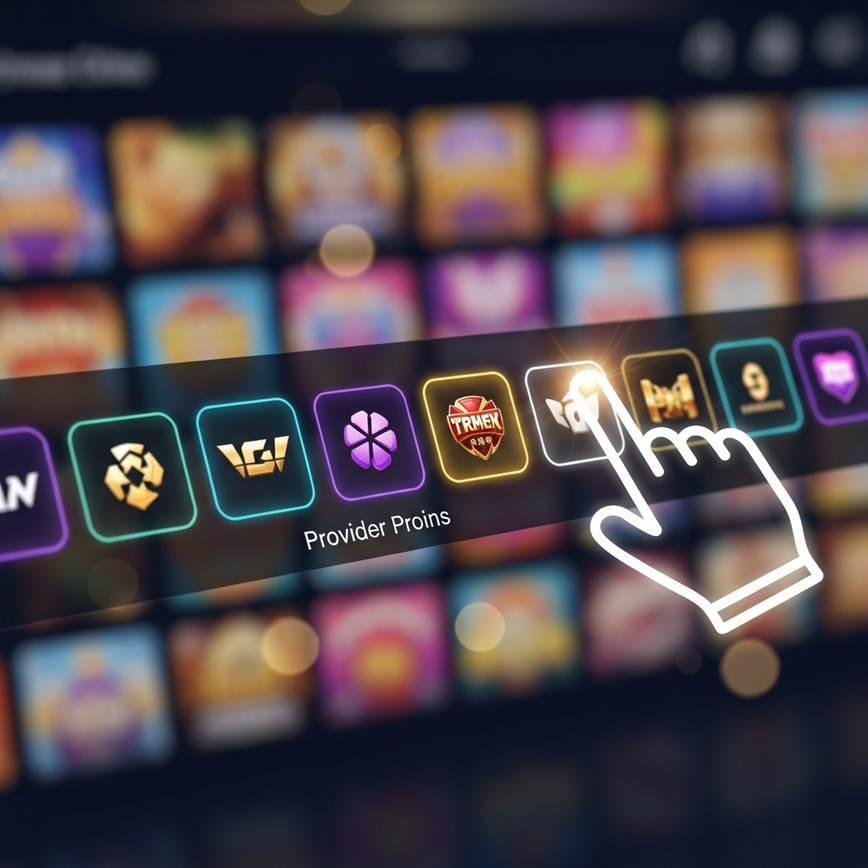
After logging into Pirate777 on a mobile browser at pirate777.org/ap-self-slot, the home screen shows the user wallet block, the headline jackpot ticker, and a row of provider chips immediately below the “Cari Permainan” (Search Games) field. The chip row is horizontally scrollable — the visible default shows roughly the first ten providers; Cosmo Play sits further along the row and is reached by scrolling horizontally.
The chip carries Cosmo Play’s branding tile rather than the studio name in text — look for the Cosmo Play logo art rather than reading provider names letter-by-letter. When you tap the Cosmo Play chip, the URL changes to /ap-self-slot/games/1979 and the page reloads with only Cosmo Play titles displayed (the lobby code 1979 in the URL is Cosmo Play’s internal identifier on the platform — useful for confirming you are in the right filtered view).
Step 2: Within the Filtered View — 33 Games
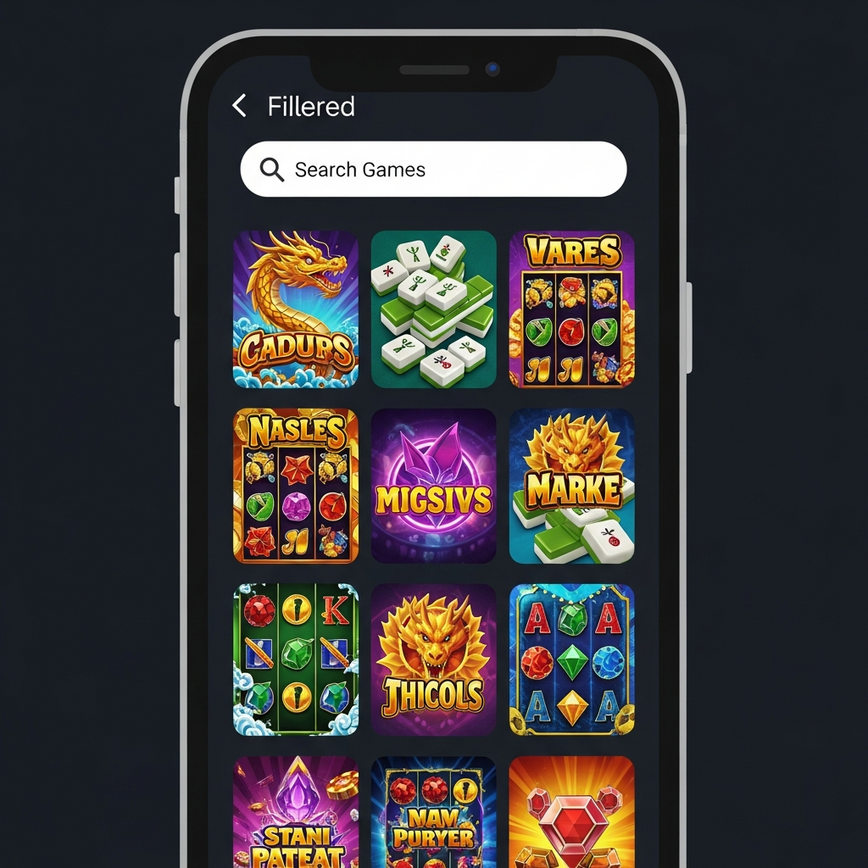
Once Cosmo Play is selected, the page shows the 33-title catalogue as tiles in a grid layout. From here you can:
- Scroll to browse the full list. The grid loads about 30 tiles per page; the bottom of the page has pagination controls if you want to step through systematically.
- Use the in-page search field. The “Cari Permainan” field at the top now searches within the Cosmo Play filtered set only — so typing “fortune” returns the three Mahjong Fortune titles plus Neko Fortune without colliding with Fortune Gems (Jili) or Fortune Tiger (PG Soft).
- Filter by Hot or New. Some lobby views surface Hot and New flags as quick filters at the top. Hot returns the 20 Cosmo Play titles flagged Hot; New surfaces Mahjong Fortune 3, the only New-flagged Cosmo Play title as of the May 2026 scrape.
Step 3: Opening a Game in Demo Mode
Tap a game tile from the filtered Cosmo Play view to open the title’s launch screen. Most Cosmo Play titles support free-play demo mode and the launch screen presents two options:
- Play with Real Money — debits from your wallet balance per spin
- Try Demo (also labelled “Free Play” or “Demo” depending on the game) — runs the same RNG as real money but with virtual chips
Demo mode is the right starting point for any Cosmo Play title you have not played before. It lets you test the bonus-round cadence, base-game pay frequency and the title’s overall feel without committing wallet balance. Once the demo session is loaded, the in-game info icon (typically a menu hamburger or “i” symbol in a corner) opens the title’s info panel showing RTP, paylines, max-win cap and feature list.
If you cannot find the demo option for a particular Cosmo Play title, it may be that demo mode is not enabled for that specific game — in which case Pirate777’s other provider catalogues with broader demo support (Pragmatic Play, Playtech, Jili) cover overlapping themes.
Step 4: Language Switching
Pirate777’s lobby supports three languages — Bahasa Melayu, English, 中文 — and the language toggle is in the top-right corner of the screen. Tap the language icon (typically shown as a globe or the current language label) to open the language picker, then select your preferred language. The lobby refreshes and game tiles, menu labels and any in-platform copy switches accordingly.
Game art and in-game text on Cosmo Play titles is provider-controlled and typically does not change across the three platform languages — Cosmo Play game titles stay in English (Mahjong Fortune, Wukong Rising, etc.) regardless of the platform language setting. Switching platform language only changes the wrapper (menus, search labels, navigation copy) rather than the game content.
Common Navigation Issues
- The chip is not visible. Cosmo Play sits past the first ~10 chips in the provider row. Scroll the chip row horizontally (swipe left on mobile) to reveal additional providers.
- The URL shows
/games/1979but the page is empty. Refresh the page — the lobby fetch sometimes lags behind the URL change. If empty after refresh, the provider may be in temporary maintenance. - Search returns zero results. Confirm you are inside the Cosmo Play filtered view (URL contains
/games/1979) and not searching across the whole 16-provider catalogue. The search field behaves differently in each context. - Demo mode is unavailable for a title. Some game titles disable demo mode at the provider level. If a specific Cosmo Play title does not show a Try Demo option, that is provider-controlled rather than a platform issue.
What You Can Do After Finding the Game
Once you have a Cosmo Play title loaded:
- Check the in-game info panel. RTP, paylines, max-win cap, bonus mechanics — the full data sheet for the title is inside the game itself. See the parent Complete Cosmo Play Guide for context on what to look at.
- Size your bet to your budget. The Cosmo Play Budget Guide covers per-bet math for RM10, RM25 and RM50 sessions.
- Pick the right next title for your mood. The Cosmo Play Themes Tour walks through all five thematic clusters with per-title notes.
- Explore the Mahjong Fortune trilogy. If you started with Mahjong Fortune, the Mahjong Fortune Trilogy Walkthrough covers all three numbered titles in sequence.
Cosmo Play Navigation — Frequently Asked Questions
In the provider chip row directly underneath the “Cari Permainan” search field on the logged-in home screen. The chip row is horizontally scrollable; Cosmo Play sits past the first ten visible providers, so scroll the chip row sideways to reveal it. Tapping the chip changes the URL to /ap-self-slot/games/1979 and filters the page to just Cosmo Play’s 33 titles.
You can, but text-only search across all 16 platform providers can return collisions — searching “Fortune” surfaces hits from Jili, PG Soft and Pragmatic Play alongside Cosmo Play’s Mahjong Fortune trilogy. Selecting the Cosmo Play provider chip first scopes the search to the 33 Cosmo Play titles only and eliminates the cross-provider noise.
Most Cosmo Play titles support demo mode, but availability is set at the provider/game level rather than the platform level. If a specific Cosmo Play title does not show a Try Demo option on its launch screen, that is provider-controlled. The majority of the 33-title catalogue does support demo mode.
No. The Pirate777 platform language switcher changes the wrapper — menu labels, search field, navigation copy — but Cosmo Play’s game titles and in-game text are provider-controlled and stay consistent across the three platform languages. Game titles like Mahjong Fortune, Wukong Rising and Pharaoh’s Gold remain in their published English forms regardless of platform language setting.
Check the URL — when you select the Cosmo Play provider chip, the URL changes to /ap-self-slot/games/1979. The “1979” suffix is Cosmo Play’s internal lobby code on the platform. If the URL shows a different number (e.g. /games/1480 for Pragmatic Play, /games/1930 for Jili), you are filtered to a different provider.
Navigation steps verified from Pirate777 platform 2026-05-26. Lobby code 1979 is Cosmo Play’s internal platform identifier. Provider chip position in the lobby row may shift as platforms update; the URL-based filter (/games/1979) is the durable check. Gambling is for entertainment only. Set deposit and session limits before playing. Players must be 18+. BeGambleAware.org